 Lesskeys
Call recorder for Mac. No bot joins the call.
Record any call on your Mac and get a transcript that shows who said what. No bot joins the call, and the recording stays on your computer.
macOS 13+ on Apple Silicon · No subscription
Using Windows? Call recorder for WindowsCall recorder for Mac
No bot
No bot sitting in your call
No bot joins the call.
Lesskeys records your Mac's sound and your microphone, so it works with Zoom, Teams, Google Meet or any other call app.
- No bot
- Nothing uploaded
- No audio driver
Your own copy
The call app's button, or your own copy
Recording inside the call app
- Started by the host, or someone the host allows.
- Everyone in the meeting gets a notice.
- The file stays with the service or the host.
Lesskeys on your Mac
- You start it yourself, on your own Mac.
- A copy and a transcript, searchable in a Library on your Mac.
- A muted person is silence.
After the call
A transcript that shows who said what
Every call ends with words you can search.
Rename the speakers once. Named voices are recognised in later calls, and the voiceprints stay on your Mac.
- Search every call
- Play any line
- Copy a quote
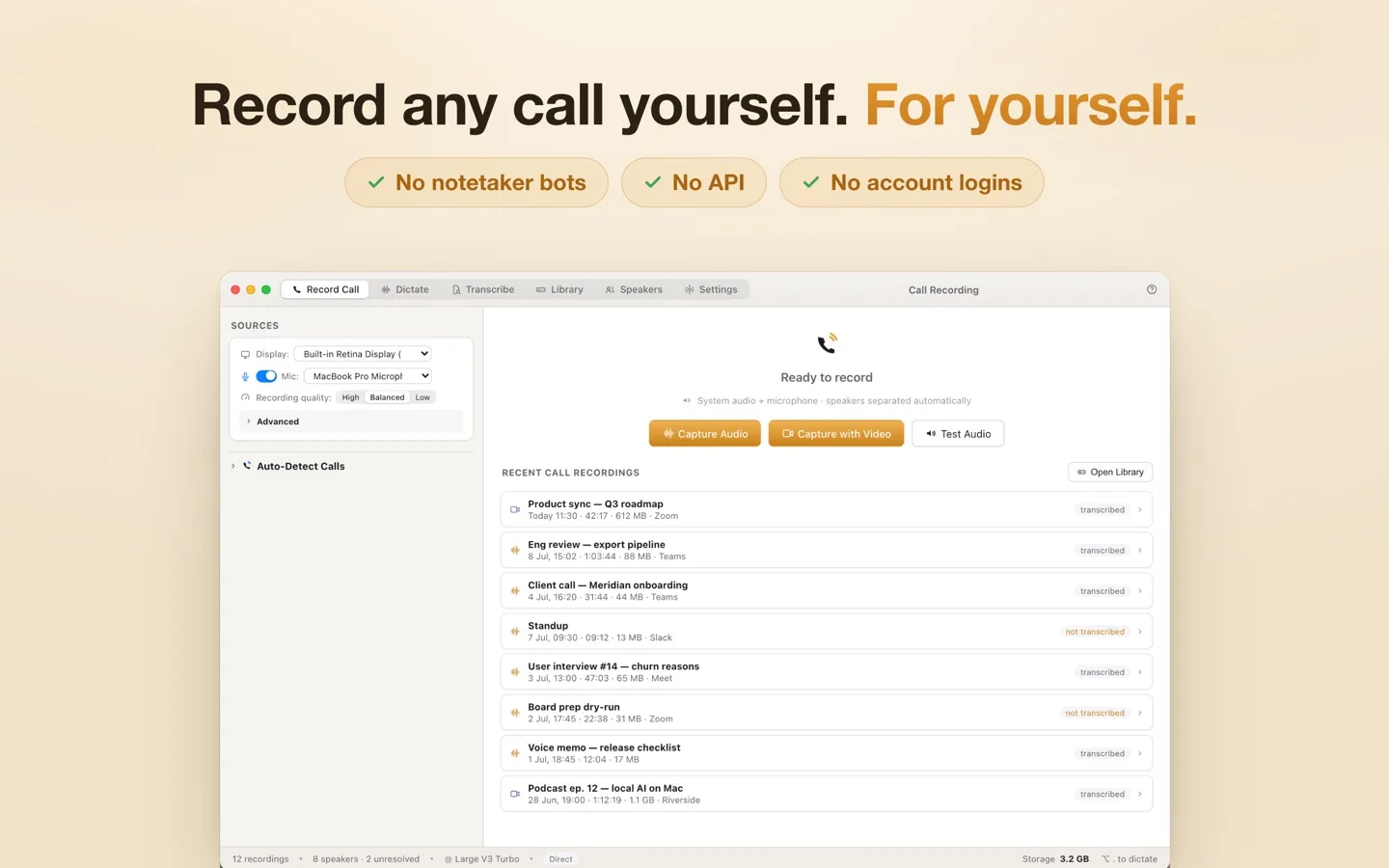
Record Call on a Mac, with a sample transcript.
We can move the signing to Thursday.
Thursday works if legal signs off by noon.
They already did. I have it in writing.
Then we are set. Send the final draft tonight.
Your Mac
Works offline on your Mac
Works with the internet off.
- macOS 13 Ventura or later on an Apple Silicon Mac (M1 or newer)
- 99 languages, detected automatically
- A starter speech model is inside the app
Tell the people you record; some places require everyone's consent.
Questions
Questions about calls on a Mac
Can I record a call as a participant, not the host?
Yes. Lesskeys records on your own Mac, so you do not need the host to start anything. Open Lesskeys before the call; when it starts in a call app or website Lesskeys recognizes, a small “Call detected” prompt asks whether to record it. Tell the people you record, and check any rule your employer or school has.
Does Lesskeys record both sides of the call?
Yes. It records the sound your Mac plays, which is the other people, together with your microphone, which is you, as one recording.
Do I have to tell people I am recording a call?
Tell the people you record. Some places require everyone's consent, and the rules differ by country and by state. Lesskeys leaves that decision with you.
What does a Mac need to record calls with Lesskeys?
macOS 13 or later on an Apple Silicon Mac (M1 or newer). macOS asks once for your microphone and for Screen Recording, which is how Lesskeys hears the sound your Mac plays.
More
Also in Lesskeys
The other two things it does
Ways to get Lesskeys
Record calls, talk to any app and keep a clipboard history, all on your own computer.