Home › AI notetakers at work
Explainer
AI notetakers banned at work? Go on-device
Banks, law firms, consultancies, and a growing number of ordinary companies block Otter-style meeting bots. The objection is rarely to notes — it's to where the audio goes. On-device transcription keeps the notes and deletes the objection.
Why companies ban AI meeting bots
A cloud notetaker is a third party in the room: a bot joins the call as a participant, the audio streams to the vendor's servers, and what happens next is governed by that vendor's retention and model-training policies. For anyone bound by client NDAs, deal confidentiality, or plain no-third-party rules, that's a disclosure problem — which is why IT and compliance teams increasingly block the whole category.
What changes when transcription is on-device
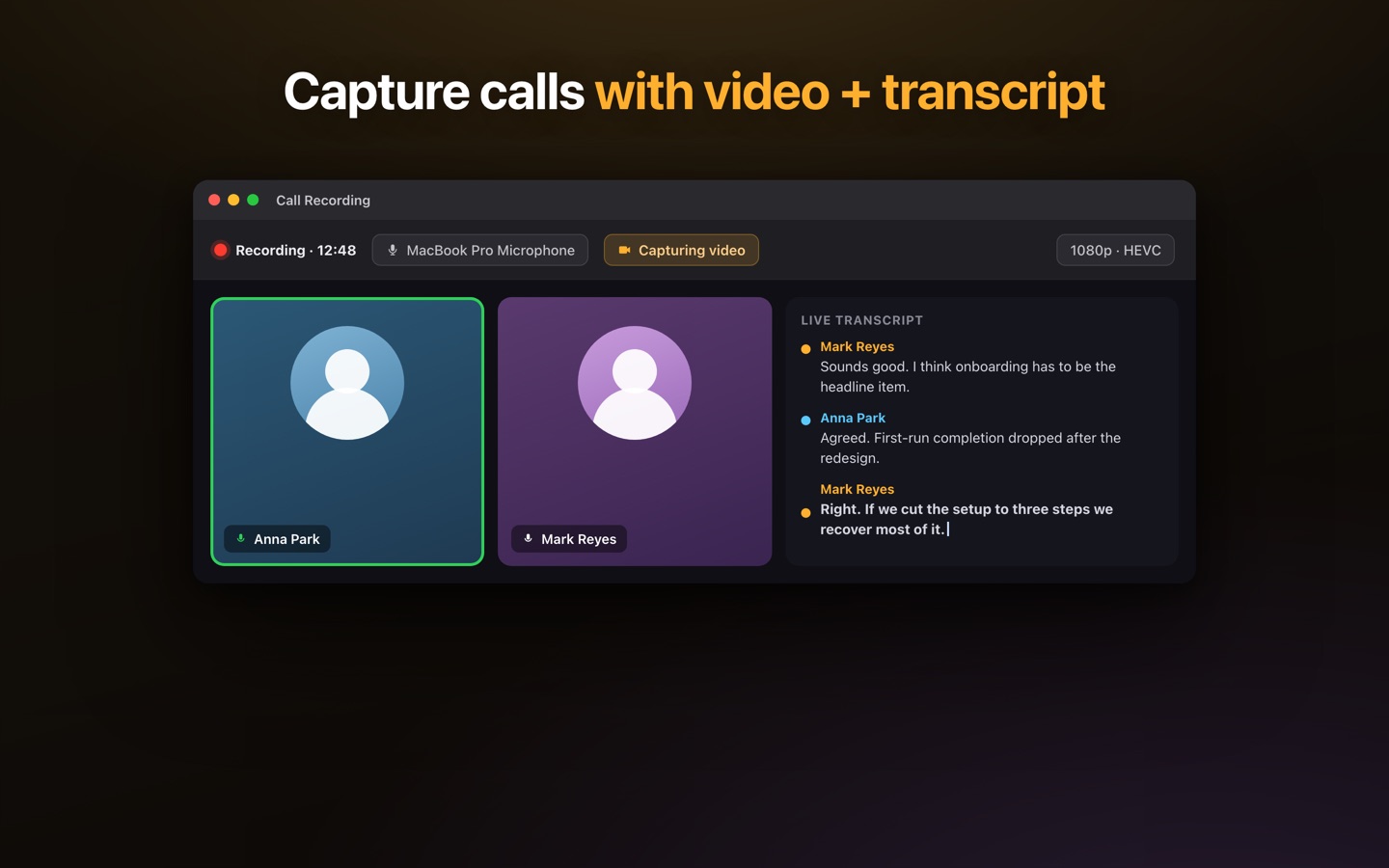
Lesskeys doesn't join your meeting. It runs on your Mac and captures what your Mac already plays and hears — then transcribes it locally, on the machine's own chip. No bot appears in the participant list, no audio leaves the laptop, no vendor stores anything. From a data-flow point of view it's the same as taking notes by hand, just complete. One honest caveat: on-device solves where the audio goes, not whether you may record — follow your company's recording policy and get consent where your jurisdiction requires it.
How it works with Zoom, Teams, Meet — anything
Because capture is local (macOS screen-and-audio recording, with your permission), it works with any meeting app — Zoom, Teams, Meet, Webex, a plain phone call played through the Mac — with no per-platform integration. Transcripts come with automatic speaker labels, and recordings plus transcripts live in a local library you can search.
Offline and air-gapped environments
After the one-time model download, nothing requires a connection: transcription works in airplane mode, on machines that never see the open internet, and in environments where cloud AI tools aren't just discouraged but impossible. That makes on-device the only workable option for parts of the public sector and for anyone working behind a strict firewall.
A working setup
- Check the policy — confirm you're allowed to record, and tell participants where required.
- Start capture — Lesskeys records system audio (and optionally the screen) locally during the call.
- Read the transcript — speaker-labeled text, on your Mac, minutes after the meeting ends.
- Keep or export — search the local library, or export text when you choose to share.
Pay once. No subscription. · macOS 13+
FAQ
Will other participants see a notetaker join the call?
No. Lesskeys is not a bot and never joins a meeting — it records locally on your Mac. Whether you should tell participants you're recording is a policy and consent question: follow your company rules and local law.
Does it work with Zoom, Teams, and Google Meet?
Yes — and with anything else your Mac plays. Capture is local (macOS screen/audio recording), so no per-platform integration or plugin is needed.
Where do the recordings and transcripts go?
Into local files on your Mac. Nothing is uploaded, there is no account, and no vendor stores your meetings.
Is using it allowed if my company banned AI notetakers?
Bans usually target cloud bots that send audio to a vendor. Lesskeys keeps everything on your machine, which addresses that objection — but your company's recording policy still applies, so check it.