Home › For lawyers
Offline transcription for lawyers
Transcribe depositions, client calls, and interviews on your Mac — without uploading a single recording. Lesskeys processes everything on-device, with automatic speaker labels, so sensitive audio stays on your machine.
·
Can lawyers transcribe recordings without uploading them?
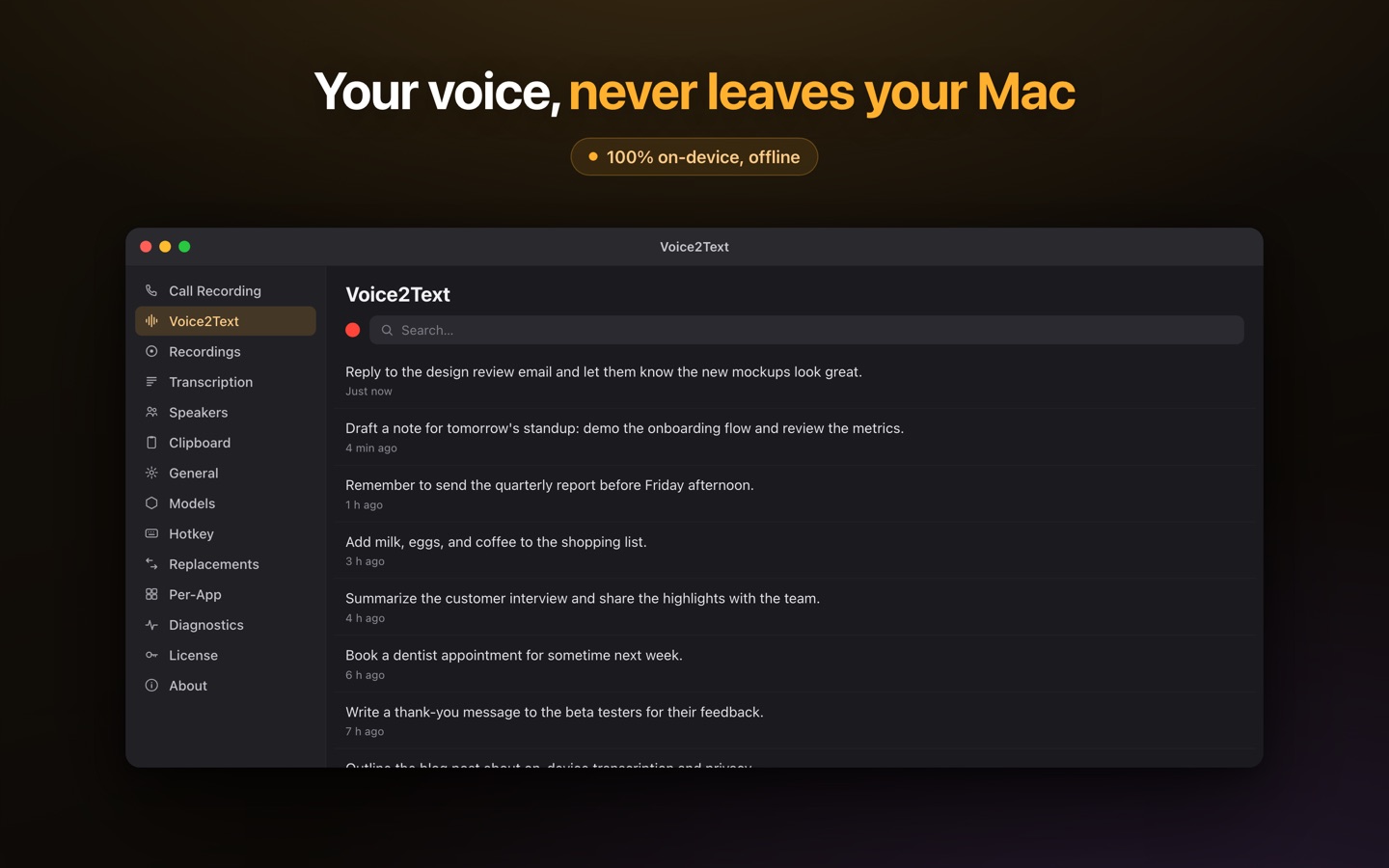
Yes. Lesskeys runs on your Mac's GPU and transcribes locally, so depositions, client calls, and recorded interviews are never sent to a cloud service. It works offline and needs no account. For work where the recording is confidential, keeping it on your own device avoids handing a copy to a third party.
Why on-device keeps sensitive audio contained
Cloud transcription means your recording is transmitted to and stored on someone else's servers. Lesskeys keeps the audio and the transcript on your device — so confidentiality is a function of where the processing happens, not of a vendor's data policy. (Lesskeys is a general-purpose tool; assess your own confidentiality and regulatory obligations for your practice.)
Built for multi-party recordings
- Automatic speaker labels for depositions and multi-party calls — assign real names.
- A transcript-synced player to jump to any exchange.
- 99 languages with auto-detect for non-English testimony.
- System-wide dictation for drafting notes and memos.
A working setup for a case file
- Import or record — drop in a deposition or hearing recording, or capture a client call locally. Audio and video files both work.
- Transcribe on your Mac — the recording is transcribed and speaker-labeled on-device; nothing is transmitted to any service.
- Name the participants — assign real names once, so the transcript reads like a record instead of a wall of "Speaker 2".
- Verify and export — click any line to jump the synced player to that exact exchange, then export a TXT for the file.
Pay once. No subscription. · macOS 13+
FAQ
Can lawyers transcribe recordings without uploading them?
Yes. Lesskeys transcribes on your Mac, so depositions, client calls, and interviews are never uploaded. Recordings stay on your device.
Does the audio leave my computer?
No. Both the recording and the transcription stay on your device — no cloud processing, no account required.
Does it label who is speaking?
Yes. Automatic on-device speaker diarization labels each speaker — useful for multi-party depositions and calls.