Home › For doctors
For physicians & clinicians
Clinical dictation that stays on your Mac
Dragon Professional for Mac was discontinued years ago, and the AI scribes that replaced it are cloud subscriptions that ship your consultations to a server. Lesskeys is the third option: fast on-device dictation and transcription, bought once, with patient audio that never leaves the machine.
Mac clinicians lost their dictation tool
When Dragon left the Mac, clinical dictation on macOS split into two camps: web-based scribes billed per seat, per month, that process audio in the cloud — or nothing. Lesskeys puts modern speech recognition back on the machine itself: it runs on Apple Silicon's GPU, works in any app, and is a one-time purchase.
Dictate into any EHR field
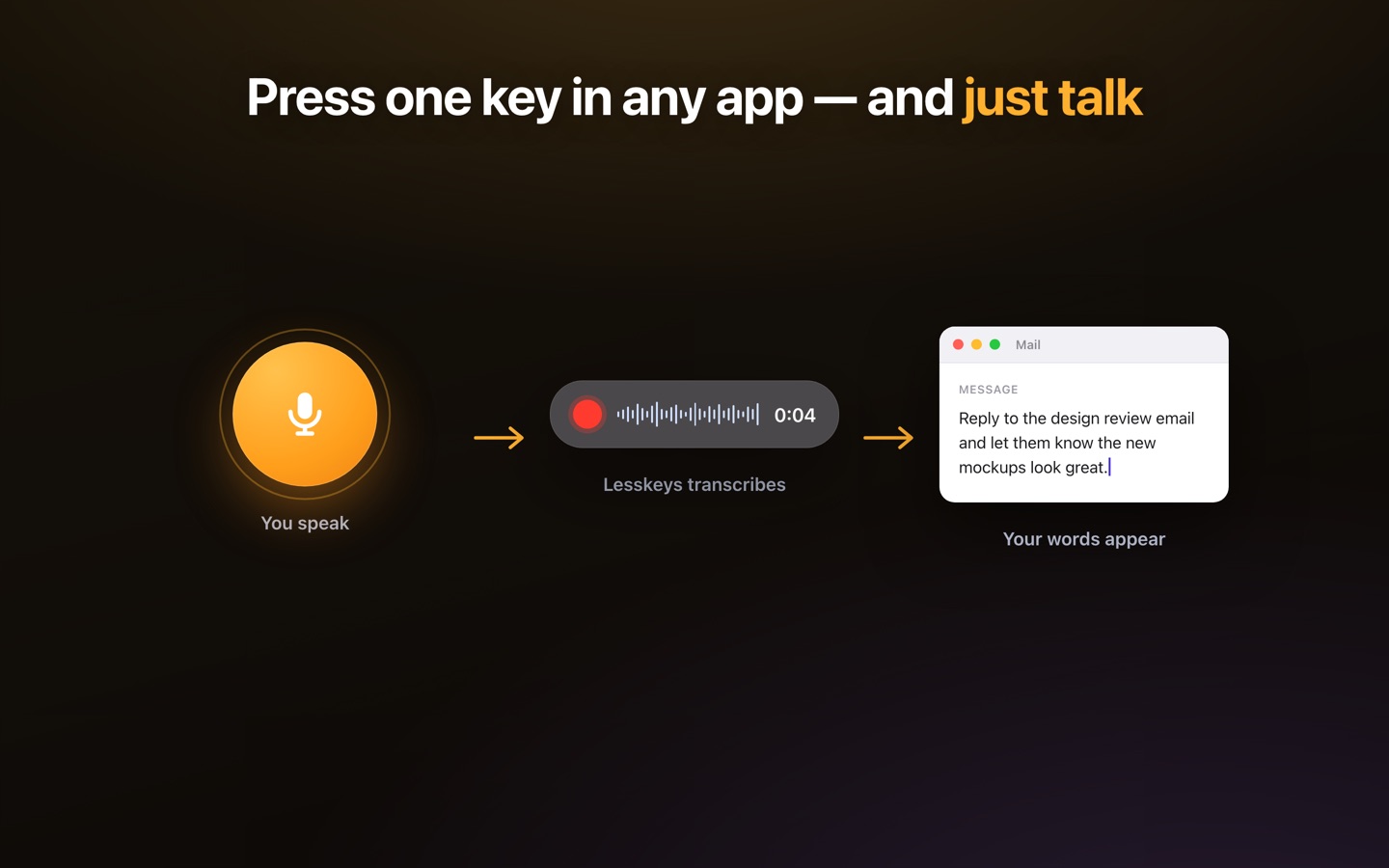
Press the hotkey, speak the note — ward round entry, referral letter, discharge summary — and the transcript is on your clipboard; ⌘V pastes it into whatever field your EHR shows, web or desktop. There's no integration to install and nothing for your IT department to approve as a cloud processor, because there is no cloud side.
Why on-device matters for patient audio
A cloud dictation service is a third party processing patient information — something to vet, contract with, and answer for. On-device processing removes that party from the map: audio is transcribed by your Mac's own chip and stored in local files under your existing controls. Lesskeys makes no compliance claim — it changes what there is to be compliant about. Confirm specifics with your compliance or information-governance advisor.
Letters, multilingual consultations, longer recordings
The same app transcribes recorded material — a dictated letter batch, a teaching session, a multi-disciplinary meeting — with automatic speaker labels. 99 languages with auto-detect, so a consultation in Spanish and a note in English are both native. Review the output before it enters a record: it's a general-purpose recognizer, accurate but not a certified medical-vocabulary product.
A working setup for a clinic day
- Dictate as you go — hotkey between patients; ⌘V into the EHR while the encounter is fresh.
- Batch the letters — dictate referrals and discharge summaries in one run; paste each into place.
- Transcribe meetings — MDTs and teaching sessions become searchable, speaker-labeled text, locally.
- Proofread, then sign — you review every note before it enters the record, same as with any scribe.
Pay once. No subscription. · macOS 13+
FAQ
Does Lesskeys replace Dragon Medical?
It replaces the workflow — fast dictation into any field on a Mac — not the certified medical-vocabulary product. Modern on-device recognition handles clinical language well in practice, but Lesskeys is general-purpose: review output before it enters a patient record.
Is it HIPAA compliant?
Lesskeys makes no compliance claims. Architecturally, audio and transcripts are processed and stored only on your Mac and nothing is uploaded, so no transcription vendor touches patient information. Confirm your obligations with your compliance advisor.
Does it need an integration with my EHR?
No. The transcript is placed on your clipboard; ⌘V pastes it into any EHR field, web or desktop. Nothing is installed server-side because there is no server side.
Is it a subscription?
No. One purchase on the Mac App Store. AI scribe services typically charge per seat per month; Lesskeys costs the same whether you dictate ten notes or ten thousand.