Home › Granola alternative
Comparison · Meeting notes
A Granola alternative that stays on your Mac
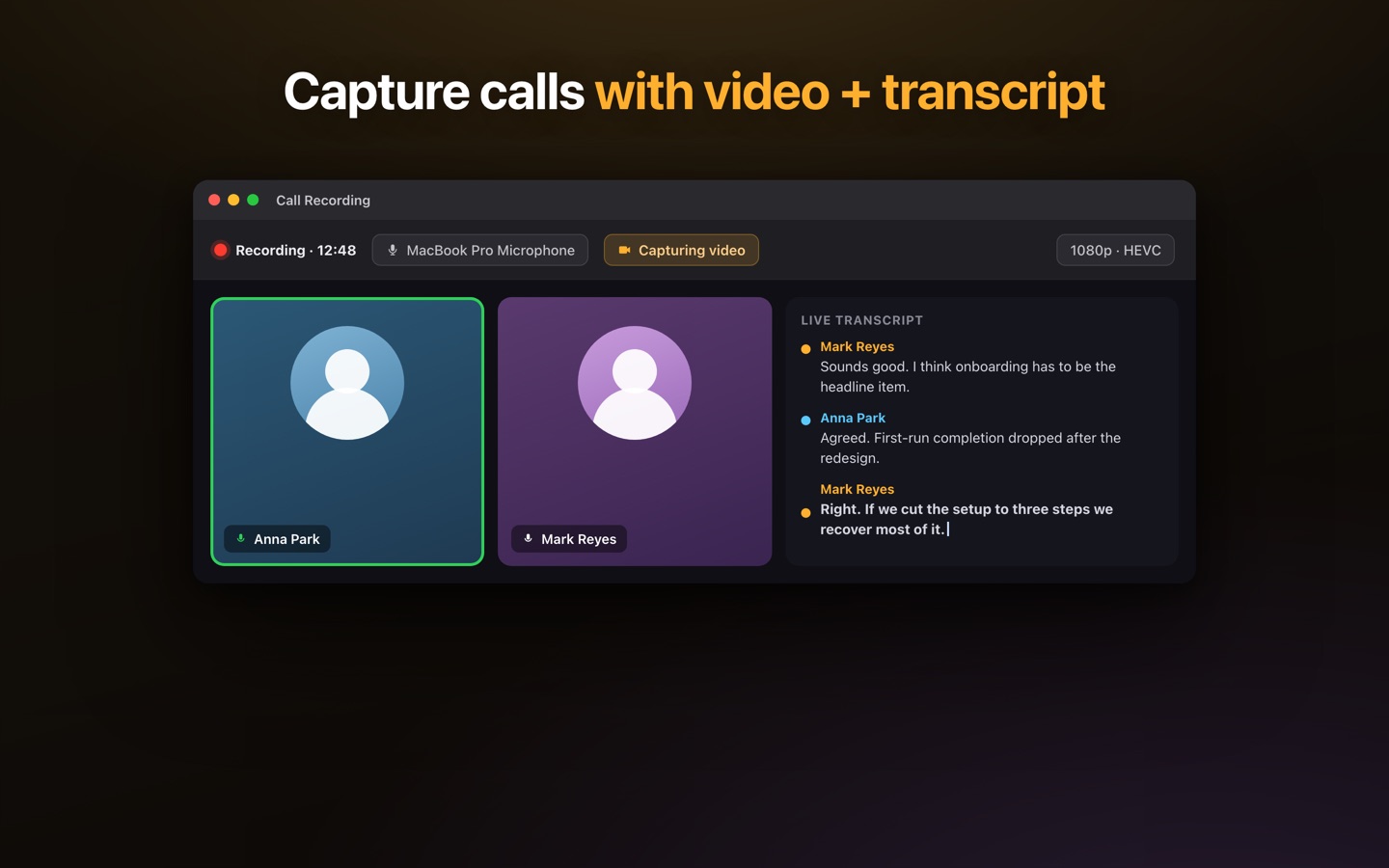
Granola made a good argument: no bot in the call. Lesskeys takes the same idea one step further — the recording and the transcription both stay on your machine, with no audio sent to a cloud service to be processed. You get the full speaker-labeled transcript, not just AI notes.
Why people look for a Granola alternative
Granola listens to your meeting and turns your sparse notes into an AI-written summary. It's a genuinely nice workflow, and unlike most meeting tools it doesn't send a bot into the call. But the AI step runs in the cloud, which means the meeting content is transmitted off your machine to be processed — and for confidential conversations, that's the part people want to remove. The other common reasons: it's a subscription, and you get polished notes rather than a verbatim, speaker-attributed record.
How Lesskeys is different
| Lesskeys | Granola | |
|---|---|---|
| Where audio is processed | Your Mac | Cloud AI |
| Bot joins the call | No | No |
| Works fully offline | Yes | No |
| Full verbatim transcript | Yes | Notes-focused |
| Automatic speaker labels | Yes, on-device | Varies |
| Screen / window video capture | Yes | No |
| System-wide dictation | Yes | No |
| Pricing model | One-time purchase | Subscription |
"No bot" and "no cloud" are different promises
It's worth separating the two, because they get marketed as one thing. No bot means nothing visibly joins your meeting — no extra participant, no notification to the room. No cloud means the audio itself never leaves your computer. A tool can absolutely do the first while still doing the second: it captures the audio quietly on your Mac, then uploads it for transcription and summarization. If your concern is how the meeting looks to the other participants, the first is enough. If your concern is where the recording ends up, only the second one answers it.
What you get instead of AI notes
- A full transcript with automatic speaker labels — assign real names once and they persist across recordings.
- The recording kept locally, audio and optionally screen or window video.
- A transcript-synced player, so clicking a line jumps to that moment.
- System-wide dictation with a global hotkey — the same app writes your email and transcribes your call.
- 99 languages with auto-detect, all running locally.
Where Granola may suit you better
Granola is built around AI summarization, and that's not what Lesskeys does. If the value you want is an LLM turning a messy meeting into structured notes, action items, and templated summaries — and you're comfortable with that processing happening in the cloud — Granola does that well and Lesskeys doesn't do it at all. Granola also offers team-oriented sharing and works across platforms. Lesskeys gives you the raw material — an accurate, speaker-labeled, local transcript — and leaves the summarizing to you or to whatever tool you choose to paste it into.
Granola is a trademark of its respective owner. Lesskeys is an independent product and is not affiliated with, endorsed by, or sponsored by them. Feature sets and pricing change — verify current details on each vendor's site before deciding.
Pay once. No subscription. · macOS 13+
FAQ
Is there a Granola alternative that works offline?
Yes. Lesskeys transcribes meetings entirely on your Mac using local speech models, so it works with no internet connection and no audio is uploaded to a cloud service.
Does Lesskeys put a bot in my meeting?
No. Lesskeys records your Mac's system audio and microphone locally, so no third-party participant joins the call and nothing is announced to the other attendees.
Does Lesskeys write AI summaries like Granola?
No. Lesskeys produces a full, speaker-labeled transcript on your device rather than an AI-generated summary. You can paste that transcript into any tool you like if you want a summary.
Is Lesskeys a subscription?
No. Lesskeys is a one-time purchase on the Mac App Store, with no recurring fee.