Home › Running Whisper on a Mac
Running Whisper on a Mac
Whisper is the open-source speech-recognition model most people mean when they say "local transcription." Here's what it is, whether it runs offline on a Mac (it does), and the practical ways to actually use it — from the command line to a finished app.
·
What is Whisper?
Whisper is an open-source automatic speech-recognition (ASR) model, released by OpenAI, that converts speech to text. It's widely used because it's accurate across many languages and, crucially, it can run entirely on your own computer — no cloud service required. whisper.cpp is a popular C/C++ port that runs the model efficiently on Apple Silicon using the Mac's GPU (Metal), which is what makes local transcription fast on a modern Mac.
Can you run Whisper offline on a Mac?
Yes — fully offline. Once the model file is on your Mac, Whisper transcribes without any internet connection, and your audio never leaves the device. On Apple Silicon it's genuinely fast thanks to GPU acceleration. That combination — accurate, local, offline — is why Whisper became the default choice for privacy-conscious transcription.
Ways to run Whisper on a Mac
- The command line (whisper.cpp or the Python
whisperpackage). Free and powerful, and great if you're comfortable in the terminal. The trade-off is setup: installing dependencies, downloading models, and running commands per file. There's no dictation, no live capture, and no interface. - A file-transcription app. Several Mac apps wrap Whisper in a GUI — drag in an audio or video file and get a transcript. Much easier than the terminal, but most are file-only (no system-wide dictation, and often limited speaker labeling).
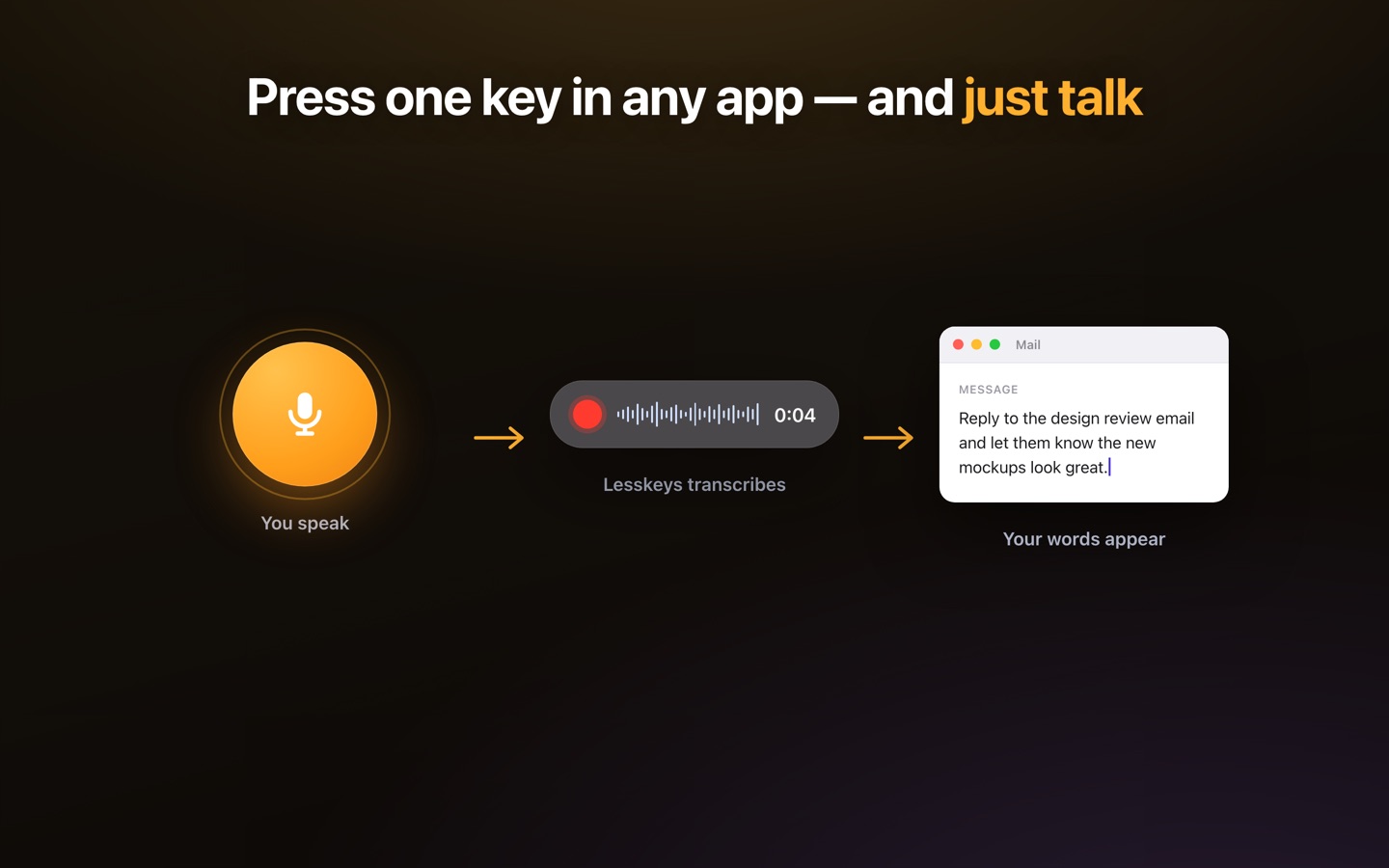
- Lesskeys. Runs whisper.cpp for you with no setup, and adds the things a bare Whisper install doesn't have: system-wide dictation from a hotkey, call and meeting transcription, and automatic on-device speaker labels — all offline. If you want Whisper's local accuracy without assembling the pieces yourself, that's the shortcut.
How to install Whisper on a Mac (whisper.cpp)
The fastest command-line route on Apple Silicon is whisper.cpp, installed with Homebrew:
brew install whisper-cppDownload a model file once (this is the only step that needs the internet):
curl -L -o ggml-base.en.bin \
  https://huggingface.co/ggerganov/whisper.cpp/resolve/main/ggml-base.en.bin
whisper.cpp expects 16 kHz mono WAV input — the step most guides skip. Convert anything else with ffmpeg (brew install ffmpeg), then transcribe:
ffmpeg -i interview.m4a -ar 16000 -ac 1 interview.wav
whisper-cli -m ggml-base.en.bin -f interview.wav
That's a complete offline transcription — no account, no API key, no upload. On Apple Silicon it runs on the GPU via Metal.
Run the Python version (openai-whisper)
The original Python package is slower on a Mac than whisper.cpp but simpler if you already live in Python:
brew install ffmpeg
pip install -U openai-whisper
whisper interview.m4a --model turbo --language en
It accepts most audio formats directly (ffmpeg does the conversion) and writes .txt, .srt and .vtt next to the file.
WhisperX on a Mac
WhisperX adds word-level timestamps and speaker diarization on top of Whisper, but it's built around NVIDIA GPUs — on a Mac it falls back to CPU, and its diarization step needs a Hugging Face token and a separate pyannote model. It works, slowly. If speaker labels are the reason you want it, on-device diarization in a native app gets the same “who said what” without the setup.
Which Whisper model should you download?
Model choice matters more than tool choice. Bigger is not simply better:
| Model | Size | Best for |
|---|---|---|
base / base.en | ~150 MB | Quick English notes on any Mac |
small | ~490 MB | Better English accuracy, still fast |
large-v3-turbo | ~1.6 GB | The accuracy/speed sweet spot, 99 languages |
large-v3 | ~3.1 GB | Maximum accuracy — with caveats below |
We benchmarked these head-to-head on the same Mac hardware: see which Whisper model to run for the speed/accuracy numbers, and Whisper accuracy across 29 languages for how each model holds up outside English — including where large-v3 quietly truncates output in some languages while smaller models don't.
Transcribe audio without an API key
Everything on this page runs without any API key, account, or per-minute billing — that's the point of running Whisper locally. OpenAI's hosted transcription API charges per minute and requires uploading your audio; the local model is the same family of technology with neither. Once the model file is downloaded you can transcribe with the network off.
Which option should you choose?
If you're technical, want it free, and only need to transcribe the occasional file, the command line is hard to beat. If you want to actually dictate into any app, transcribe calls, and get speaker-labeled transcripts without configuring anything, a finished app makes more sense. Either way, the important part is the same: on a Mac, Whisper runs locally, so your audio stays yours.
Pay once. No subscription. · macOS 13+
Related
FAQ
Is Whisper free?
The Whisper model itself is open-source and free to run. Tools built on it vary: command-line options like whisper.cpp are free, while some GUI apps charge for the convenience. Lesskeys is a one-time purchase.
Does Whisper work offline on a Mac?
Yes. Once the model is downloaded, Whisper transcribes entirely on your Mac with no internet connection, using Apple Silicon's GPU for speed. Your audio never leaves the device.
Do I need the command line to use Whisper?
No. The command line (whisper.cpp) is the free, technical route. If you'd rather not set that up, an app like Lesskeys runs Whisper for you and adds dictation, meeting transcription, and speaker labels.
Is Lesskeys the same as Whisper?
Lesskeys runs Whisper for you via whisper.cpp on the Apple Silicon GPU — the same models, in six sizes from Tiny to Large V3 Turbo — and wraps them with system-wide dictation, call/video transcription, and automatic speaker diarization — all offline, no setup.