Home › How local transcription works
How local transcription works on a Mac
Offline transcription isn't magic — it's a speech model running on your own hardware instead of a company's server. Here's the plain-English version.
·
How does offline transcription work on a Mac?
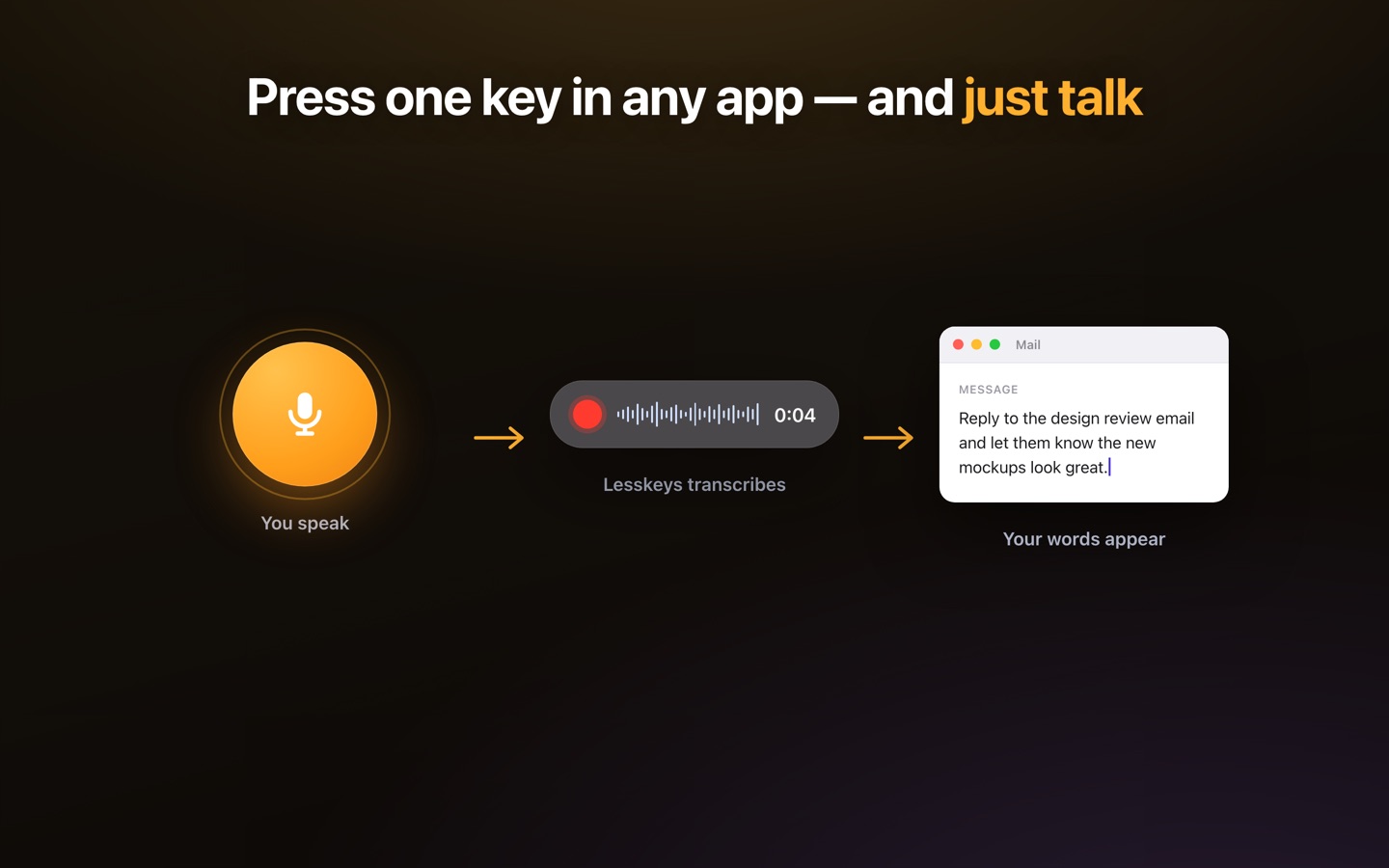
A speech-recognition model — the same kind of neural network cloud services use — is bundled with the app and runs directly on your Mac. When you speak or open a recording, the app feeds the audio to that model, which turns the waveform into text on your machine. Because the model is local, no audio is sent anywhere, and the whole thing works with the internet switched off.
The pipeline, step by step
- Capture: audio comes from your mic, a file, or system/screen capture — as digital samples.
- Pre-process: the app normalizes the audio and, for long recordings, splits it into segments.
- Recognize: a local speech model on the Apple Silicon GPU (via Metal) converts each segment to text — fast enough for real-time dictation.
- Diarize (optional): a separate local model detects speaker changes and labels who said what.
- Assemble: segments are stitched into a clean, punctuated, speaker-labeled transcript — all on your device.
Why the GPU matters
Speech models are compute-heavy. Running them on the CPU alone would be slow; Apple Silicon's GPU is built for exactly this kind of parallel math, so a modern Mac can transcribe on-device in real time. That hardware is why "local" no longer means "slow" — the reason on-device transcription became practical.
Labeling speakers without a server
Speaker diarization runs locally too. A model analyzes voice characteristics across the recording, detects when the speaker changes, and groups segments by speaker — so multi-person interviews and meetings come out attributed, with no cloud service ever seeing the audio.
Lesskeys in one line
Lesskeys packages this pipeline into a native Mac app: multiple local speech engines, on-device diarization, 99 languages, plus system-wide dictation and local video — all offline, one-time purchase. For the "why," see what on-device transcription is.
Pay once. No subscription. · macOS 13+
FAQ
How does offline transcription work on a Mac?
A speech-recognition model runs directly on your Mac's GPU, converting the audio to text on your machine with no server involved — so it works offline.
Does local transcription use the GPU?
Yes. On Apple Silicon, local speech models run on the GPU via Metal, which makes on-device transcription fast enough for real-time dictation.
How does it label different speakers without the cloud?
Diarization models also run locally, analyzing voice characteristics to detect speaker changes and group segments by speaker — all on your device.