Home › Transcribe video locally
Transcribe video locally on your Mac
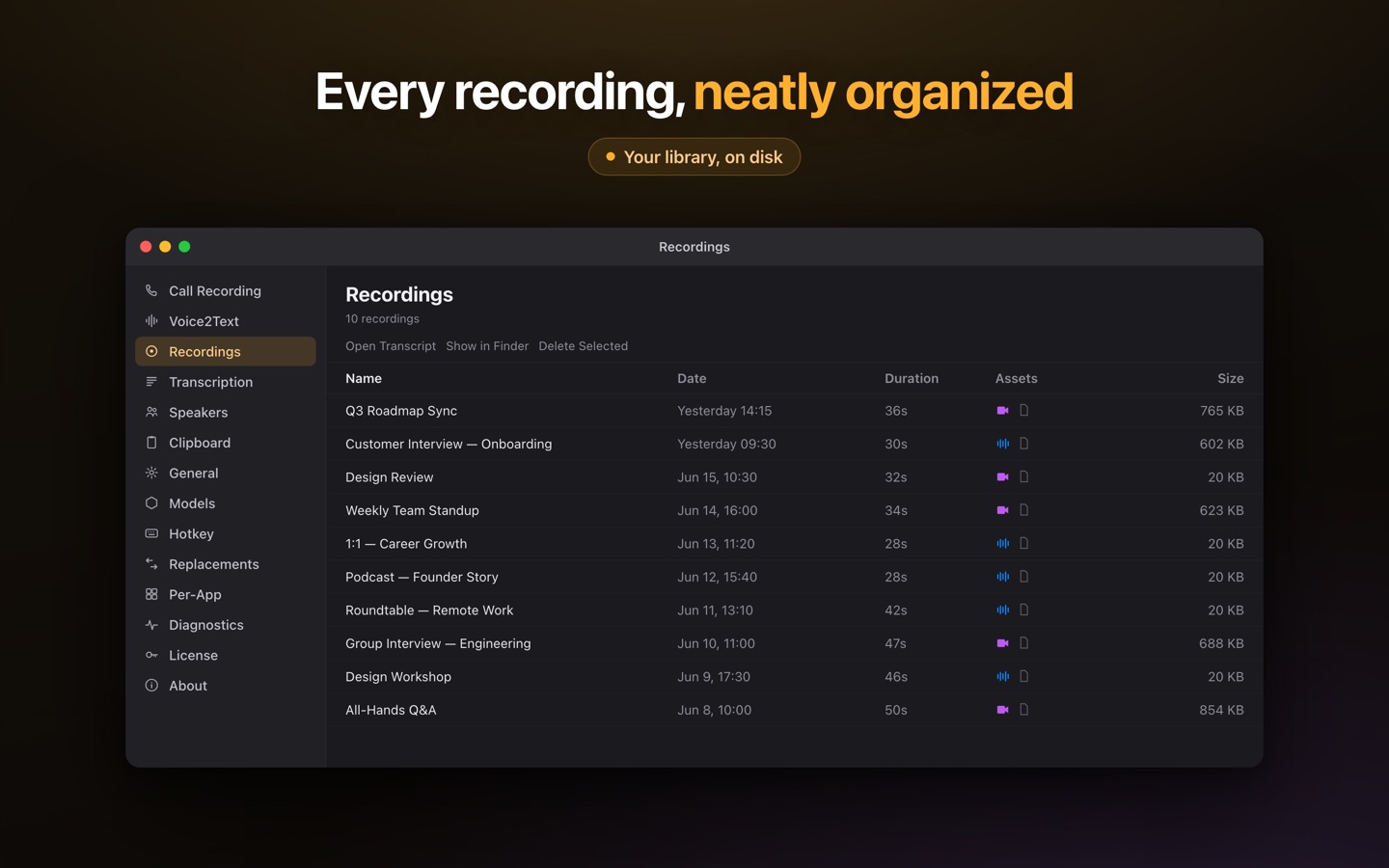
Most Mac transcription tools are audio-only or send your files to the cloud. Lesskeys captures screen or window video and transcribes it right on your Mac — with automatic speaker labels and a transcript you can click to jump through the footage. Nothing is uploaded.
·
Can you transcribe video locally on a Mac?
Yes. Lesskeys records screen or window video with ScreenCaptureKit and transcribes it on-device using Apple Silicon's GPU. Because every step runs on your machine, your recordings never leave your Mac and the whole thing works offline — even in airplane mode. There's no account, no upload, and no per-minute cloud bill.
How Lesskeys transcribes video without the cloud
- Capture: record a screen, a specific window, plus system audio and your mic — locally, as HEVC video.
- Transcribe on-device: the audio track is transcribed by Whisper running on the Mac GPU — 6 model sizes, from near-instant Tiny to Large V3 Turbo.
- Label speakers: automatic on-device diarization tags who said what across the recording.
- Review: a transcript-synced player lets you click any line to jump the video to that exact moment.
What you can transcribe
- Recorded video calls and meetings (with speaker labels).
- Screen recordings, demos, and tutorials.
- Interviews and any local video/audio file you drop in.
- 99 languages, with automatic language detection.
Why local video transcription matters
If a recording is confidential — a client call, an interview with a source, internal footage — uploading it to a cloud transcription service means handing that video to someone else's servers. Lesskeys keeps it on your device by design, so "private" isn't a setting you have to trust; it's the architecture.
Pay once. No subscription. · macOS 13+
FAQ
Can you transcribe video locally on a Mac?
Yes. Lesskeys captures screen or window video and transcribes it entirely on your Mac using Apple Silicon's GPU. Nothing is uploaded, and it works fully offline.
Does transcribing video require an internet connection?
No. All video capture and transcription runs on-device, so it works in airplane mode with no cloud service involved.
Can it label who is speaking in a video?
Yes. Lesskeys applies automatic on-device speaker diarization, so multi-speaker videos get speaker labels without any cloud processing.
Can I jump to a moment in the video from the transcript?
Yes. Lesskeys includes a transcript-synced player, so clicking a line in the transcript jumps the video to that moment.