Home › Best offline dictation for Mac
Best offline dictation & transcription apps for Mac (2026)
If you want to dictate and transcribe on a Mac without sending your voice to the cloud, here's what actually matters — and how the main options compare.
·
What to look for in an offline dictation app
- Truly on-device: does everything run locally, or does it fall back to a cloud model for the "smart" parts? Fully local is the only way your audio never leaves your Mac.
- Works offline: can you use it in airplane mode, with no account and no internet?
- Pricing model: one-time purchase vs. an ongoing subscription.
- More than dictation: can it also transcribe recorded calls and files, and label who said what?
- Video: can it capture and transcribe screen/window video locally, not just audio?
- Languages: how many, and does it auto-detect?
How the main options compare
A high-level comparison across the criteria above. Features and pricing change often — confirm current details on each app's own site before you buy.
| Criteria | Lesskeys | Superwhisper | MacWhisper | Cloud tools (Otter, Rev…) |
|---|---|---|---|---|
| Runs 100% on-device | Yes | Local models; some cloud options | Local transcription | No — cloud |
| Works fully offline | Yes | With local models | Yes | No |
| Pricing | One-time, no subscription | Subscription / one-time option | One-time (tiers) | Subscription |
| System-wide dictation | Yes | Yes | Focused on files | Varies |
| Call/file transcription | Yes | Varies | Yes | Yes |
| Local speaker labels | Yes, on-device | Varies | Varies by tier | Cloud |
| Transcribe video locally | Yes | No | Audio-focused | Cloud |
| Languages | 99, auto-detect | Many | Many | Many |
This table reflects general positioning, not a feature-by-feature audit of every plan. We only claim certainty about Lesskeys; competitor cells are intentionally conservative — check their sites for specifics.
Where Lesskeys fits
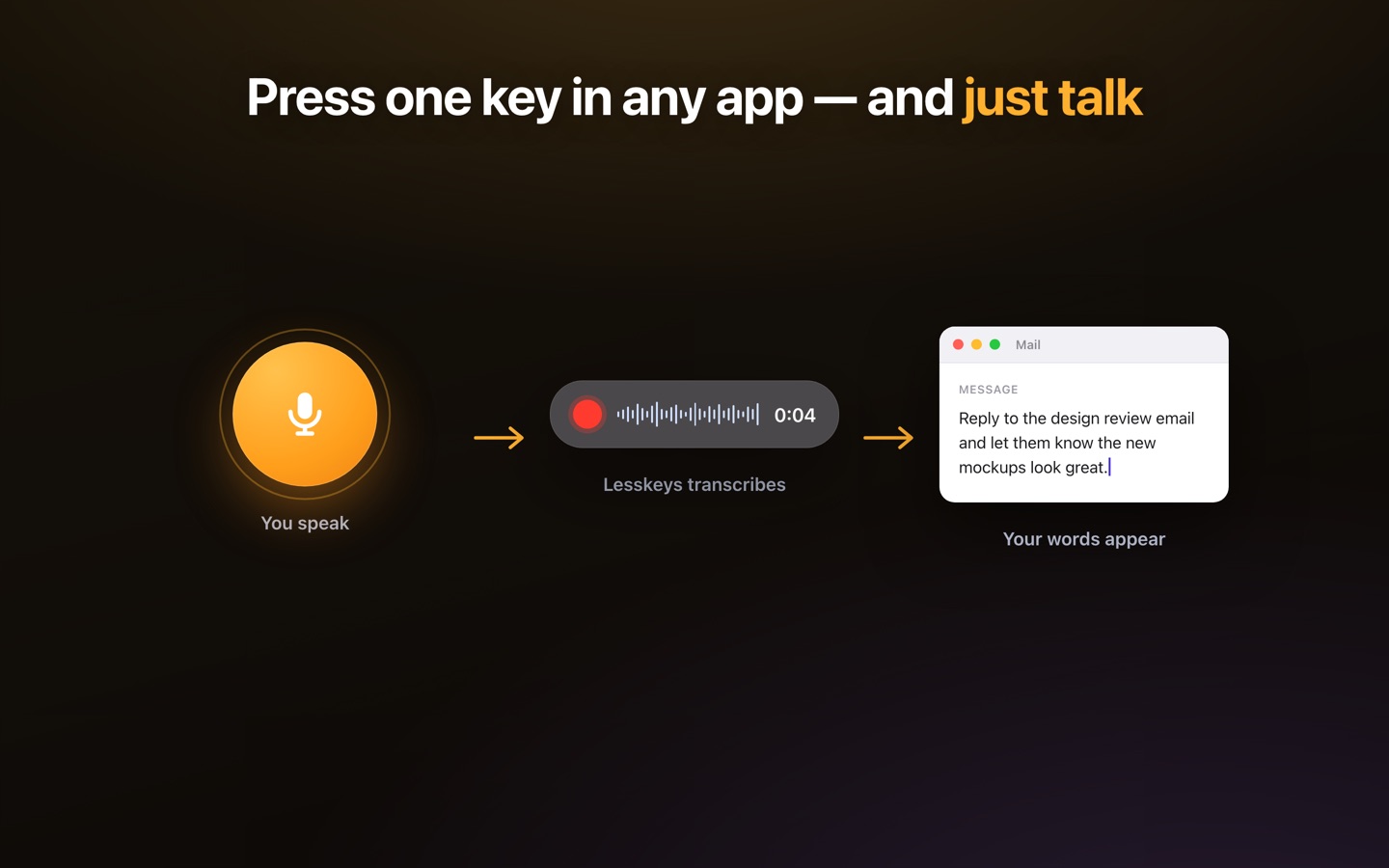
Lesskeys is built for people who want one local app that does both dictation and transcription — system-wide voice typing via a hotkey, plus call/interview/video transcription with automatic speaker labels — all on-device, and as a one-time purchase. If your priority is that nothing is uploaded and you'd rather not pay monthly, it's a natural fit. If you only need quick dictation and already like another tool's workflow, that may suit you better — the point is to match the app to how private your audio needs to be.
Pay once. No subscription. · macOS 13+
FAQ
What is the best offline dictation app for Mac?
It depends on your needs, but the key criteria are on-device processing, true offline use, one-time vs subscription pricing, and whether it also transcribes with speaker labels. Lesskeys does all of these as a one-time purchase.
Is offline dictation as good as cloud dictation?
On-device speech models on Apple Silicon are highly accurate, with the advantage that your audio never leaves your Mac. For most tasks a good local app is comparable to cloud tools without the privacy trade-off.
Which Mac dictation apps are one-time purchases instead of subscriptions?
Lesskeys is a one-time purchase with no subscription. Pricing models change, so confirm current pricing on each app's own page before buying.