Home › Transcribe without uploading
How to transcribe audio without uploading it
Most transcription tools send your recording to a server to process it. If you'd rather your audio never leave your Mac, here's why that upload happens, and how to transcribe entirely on your own machine.
·
Why does transcription usually upload your audio?
Traditional transcription services run their speech models in the cloud. To use them, your recording is uploaded to and processed on their servers — and a copy typically stays there, subject to that company's retention and security policies. That's fine for a grocery list; it's a real problem for a confidential interview, a client call, a medical note, or anything under an NDA.
Can you transcribe without uploading?
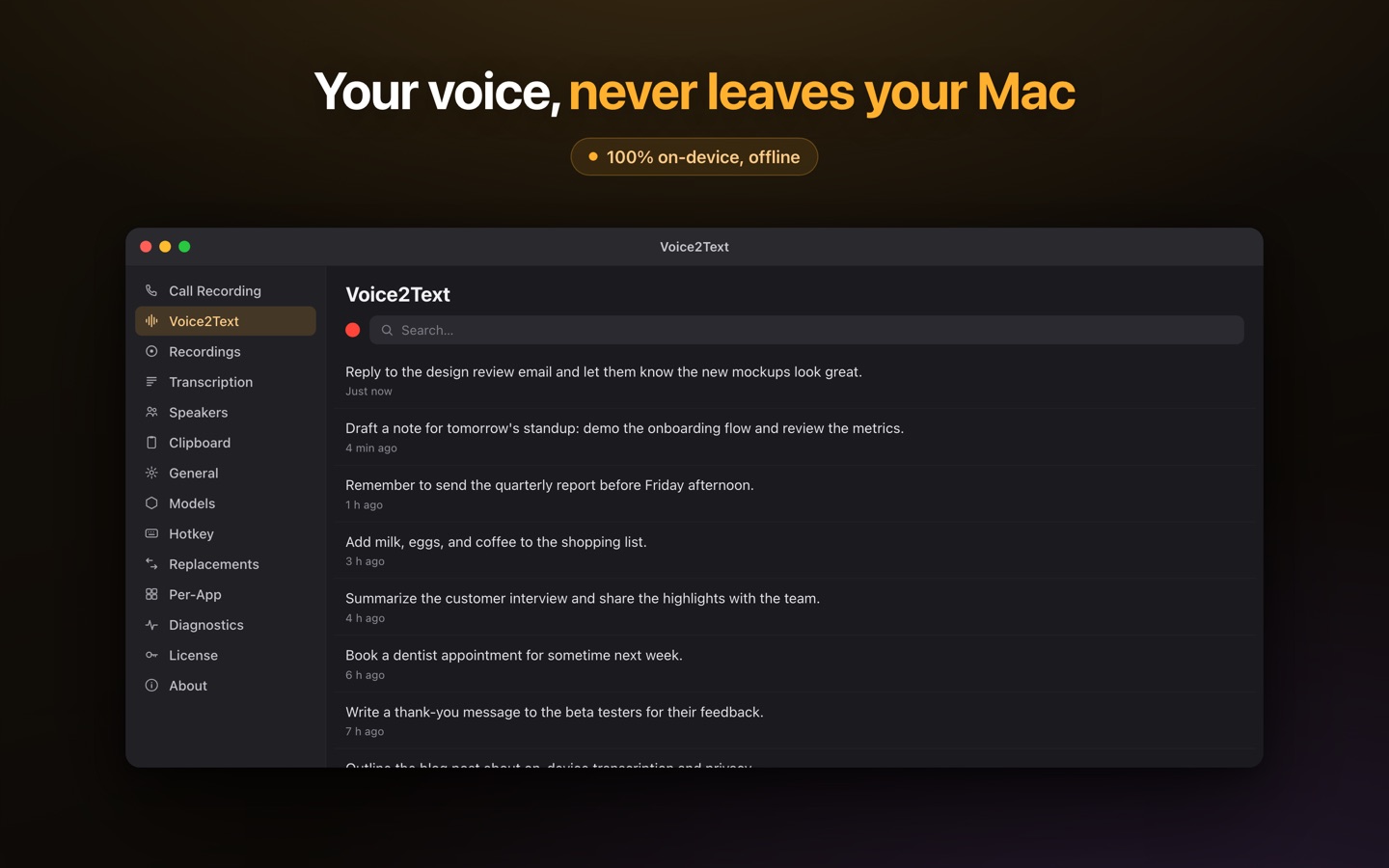
Yes. Modern on-device speech models — Whisper and others — run directly on your Mac's GPU, fast enough for everyday use on Apple Silicon. Because the model lives on your machine, there is no upload step at all: the audio is turned into text locally, offline, and nothing is transmitted. It even works in airplane mode.
How to keep the audio on your Mac
- A local command-line tool (like whisper.cpp) transcribes files on your machine — free, but technical and file-only.
- An on-device app does it without setup. Lesskeys transcribes dictation, recorded calls, meetings, and audio/video files entirely on your Mac, with automatic speaker labels — no account, no cloud, no upload.
What to check before you trust the word "private"
Not every app that calls itself private is fully local. A common pattern: transcription runs on-device, but the "smart" formatting or summarizing step sends your text to a cloud language model — so your words leave the machine after all. Before you rely on an app for sensitive audio, check that it is fully on-device (transcription and any post-processing), needs no account, and works offline / in airplane mode. If it does, uploading simply never happens.
Pay once. No subscription. · macOS 13+
Related
FAQ
Can I transcribe a recording without uploading it?
Yes. On-device apps and local command-line tools transcribe on your Mac's GPU, so the audio is never uploaded to a server. Lesskeys does this for dictation, calls, meetings, and files.
Do offline transcription apps exist for Mac?
Yes. Apps built on local models like Whisper transcribe entirely on-device, offline. Lesskeys runs six on-device engines and works in airplane mode.
How do I know an app isn't secretly uploading my audio?
Check that transcription and any AI formatting run fully on-device, that no account is required, and that it works in airplane mode. If it keeps working with the internet off, nothing is being uploaded.
Is on-device transcription as accurate as the cloud?
For most audio, yes — local models like Whisper Large are the same class of model cloud services use. Lesskeys offers several models so you can trade speed for accuracy.