Home › For writers
Draft by voice on your Mac
Talk your first draft out loud instead of typing it, and turn research interviews into quotable transcripts — entirely on your own machine, so an unpublished manuscript never leaves it.
·
Can I dictate a book or an article on a Mac?
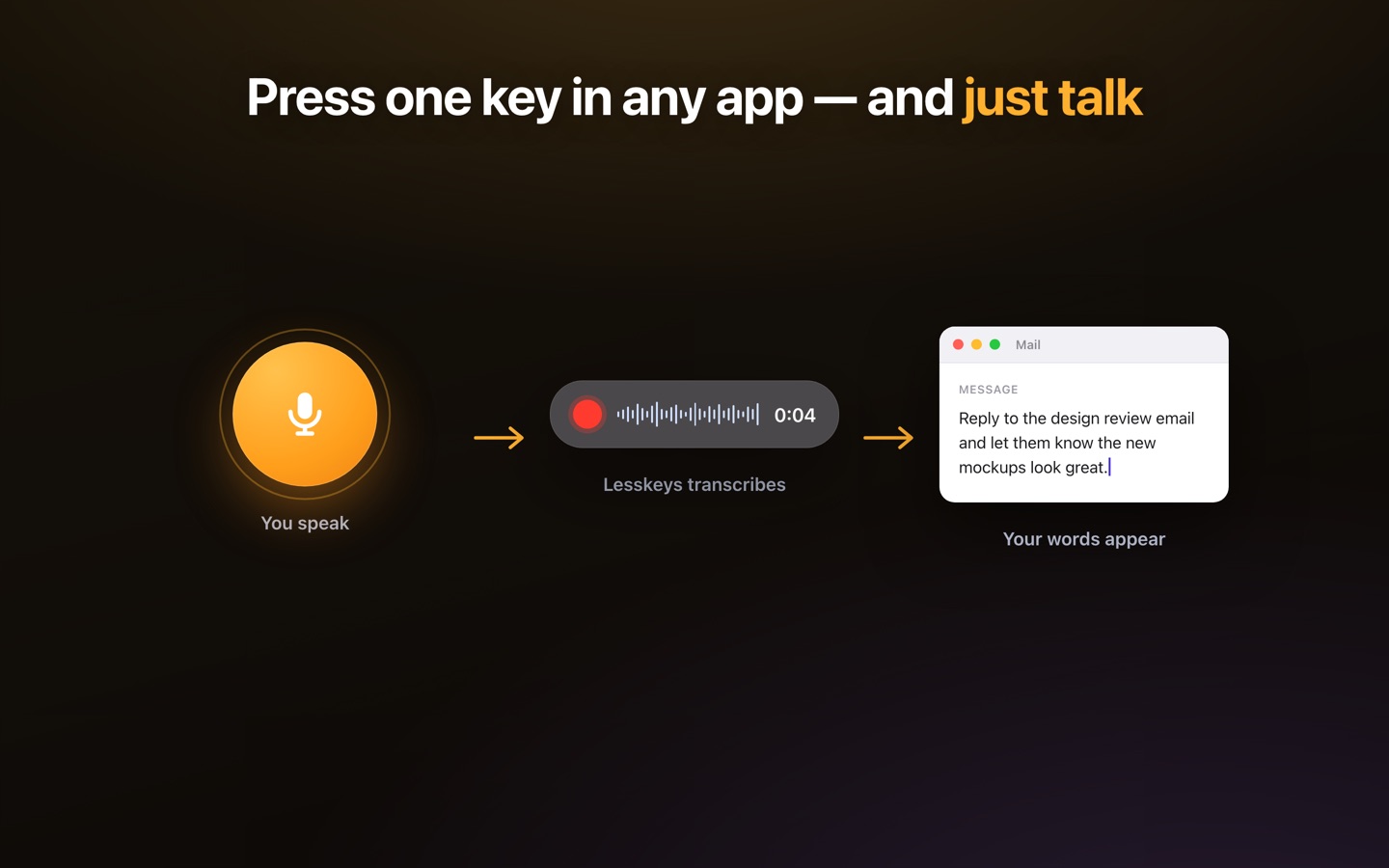
Yes — and it's usually the fastest way past a blank page. Press the global hotkey, say the paragraph the way you'd say it to a friend, and Lesskeys transcribes it on your Mac's GPU and puts the text on your clipboard for a single ⌘V into your document. Speaking runs well ahead of typing, so a messy spoken draft you later shape on the page often beats a perfect first sentence you never write.
Nothing about the length worries it: because transcription is local, there is no per-minute meter and no upload wait. A chapter costs exactly as much to dictate as a sentence — nothing.
Your manuscript stays on your machine
Unpublished work is the one file a writer can least afford to hand to a third party. Cloud dictation tools stream your voice — and therefore your plot, your argument, your sources — to someone else's servers, where retention and training policies are theirs to change. Lesskeys never makes that round-trip: no upload, no account, no internet needed. If you're on a plane or in a cabin with no signal, it works exactly the same.
Dictate into the editor you already use
Dictation is system-wide rather than locked to one app, so it fits the tool you've already committed to — Scrivener, Ulysses, Word, Pages, Obsidian, iA Writer, or a browser-based editor. The transcript lands on the clipboard and pastes wherever your cursor is. Text replacements handle the names and terms you use constantly, and per-app settings let a fiction project and an email behave differently.
Interviews and research, transcribed locally
- Automatic speaker labels so a two-hour source interview is readable and quotable.
- A transcript-synced player to jump to the exact audio behind a quote before you print it.
- Import recordings you already have, or capture a call on your Mac.
- 99 languages with auto-detect for foreign-language sources.
A working setup for a writing day
- Draft out loud — hotkey, speak a paragraph, paste. Keep going without stopping to edit.
- Capture ideas as they arrive — dictate the stray line into any note app before it evaporates.
- Transcribe your interviews — drop the recordings in; each comes back speaker-labeled, locally.
- Shape it on the page — edit the spoken draft into prose, checking quotes against the synced audio.
Pay once. No subscription. · macOS 13+
Related
FAQ
Can I dictate a book or article on a Mac?
Yes. Press the global hotkey, speak, and Lesskeys transcribes your words on-device and puts them on your clipboard, ready to paste into whatever you write in. Because there is no per-minute cloud cost, dictating a book-length draft costs nothing extra.
Does my manuscript get uploaded anywhere?
No. Transcription runs entirely on your Mac's GPU. Your voice, your draft, and your research recordings are never sent to a server — it works offline, with no account.
Does it work with Scrivener, Ulysses, Word or Obsidian?
Yes. Dictation is system-wide rather than tied to one editor: the text lands on your clipboard, so it pastes into any macOS app that accepts text, including Scrivener, Ulysses, Word, Pages, Obsidian and browser-based editors.
Can it transcribe interviews for a book?
Yes. Import an existing recording or capture a call locally, and Lesskeys transcribes it on-device with automatic speaker labels, so you can quote sources accurately.
Is it a subscription?
No. Lesskeys is a one-time purchase on the Mac App Store, with no monthly fee and no per-word or per-minute charges.