Home › What is on-device transcription?
What is on-device transcription?
On-device transcription means your speech is converted to text locally on your own computer — using speech models that run on your hardware — with nothing uploaded to the cloud. It's also called local or offline transcription.
·
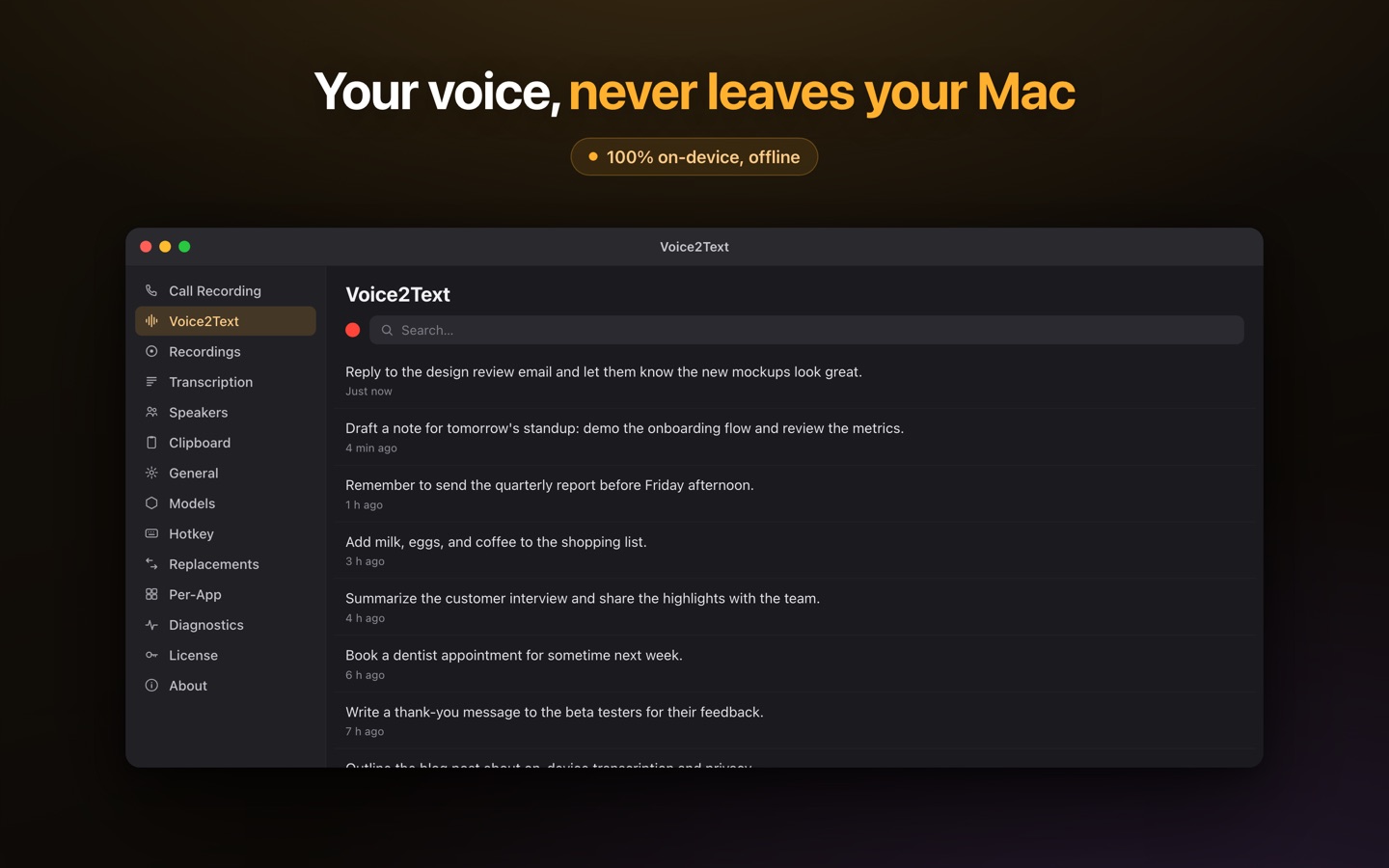
On-device vs cloud transcription
The difference is where the processing happens. Cloud transcription tools record your audio and send it to a remote server, which does the speech recognition and often keeps a copy. On-device transcription runs the recognition on your own machine, so the audio never leaves it. Practically, that means on-device tools work offline, need no account, and don't expose your recordings to a third party.
| On-device | Cloud | |
|---|---|---|
| Where audio is processed | Your computer | Remote server |
| Works offline | Yes | No |
| Audio leaves your device | No | Yes |
| Account required | No | Usually |
| Ongoing cost | Often one-time | Usually per-minute / subscription |
Why it matters
If your recordings are sensitive — interviews, client calls, medical or legal discussions, internal meetings — uploading them to a cloud service means a copy exists somewhere you don't control. On-device transcription removes that exposure by design: the audio and the transcript stay on your machine. It also keeps working on a plane, in a secure facility, or anywhere without reliable internet.
Is it accurate?
Yes. Speech-recognition models that run on Apple Silicon's GPU are highly capable, and for the vast majority of dictation and transcription tasks they're comparable to cloud services — without the privacy trade-off. Some tools even offer multiple local engines so you can pick the best one for a given language or recording.
How to do on-device transcription on a Mac
Lesskeys is a Mac app built entirely around on-device processing: system-wide dictation, plus call, interview, and video transcription with automatic speaker labels — all local, offline, and a one-time purchase. If you want to understand the mechanics, see how local transcription works.
Pay once. No subscription. · macOS 13+
FAQ
What is on-device transcription?
Speech converted to text locally on your own computer, using models that run on your hardware, with nothing uploaded to a server. Also called local or offline transcription.
How is on-device transcription different from cloud transcription?
Cloud transcription sends your audio to a remote server to process and store. On-device does the processing on your own machine, so audio never leaves it and it can work offline.
Is on-device transcription accurate?
Yes — modern models on Apple Silicon are highly accurate and, for most tasks, comparable to cloud services without sending your audio away.
Which Mac app does on-device transcription?
Lesskeys does 100% on-device dictation and transcription, including speaker labels and local video, as a one-time purchase.