Home › Dictate SOAP notes
Explainer · Clinical documentation
SOAP notes at speaking speed — processed on your Mac
A SOAP note takes minutes to think and far longer to type. Dictating it is the classic fix — the catch is that most dictation tools now route your voice through a cloud service. Lesskeys runs the speech recognition on the Mac itself, so the note exists only where you paste it.
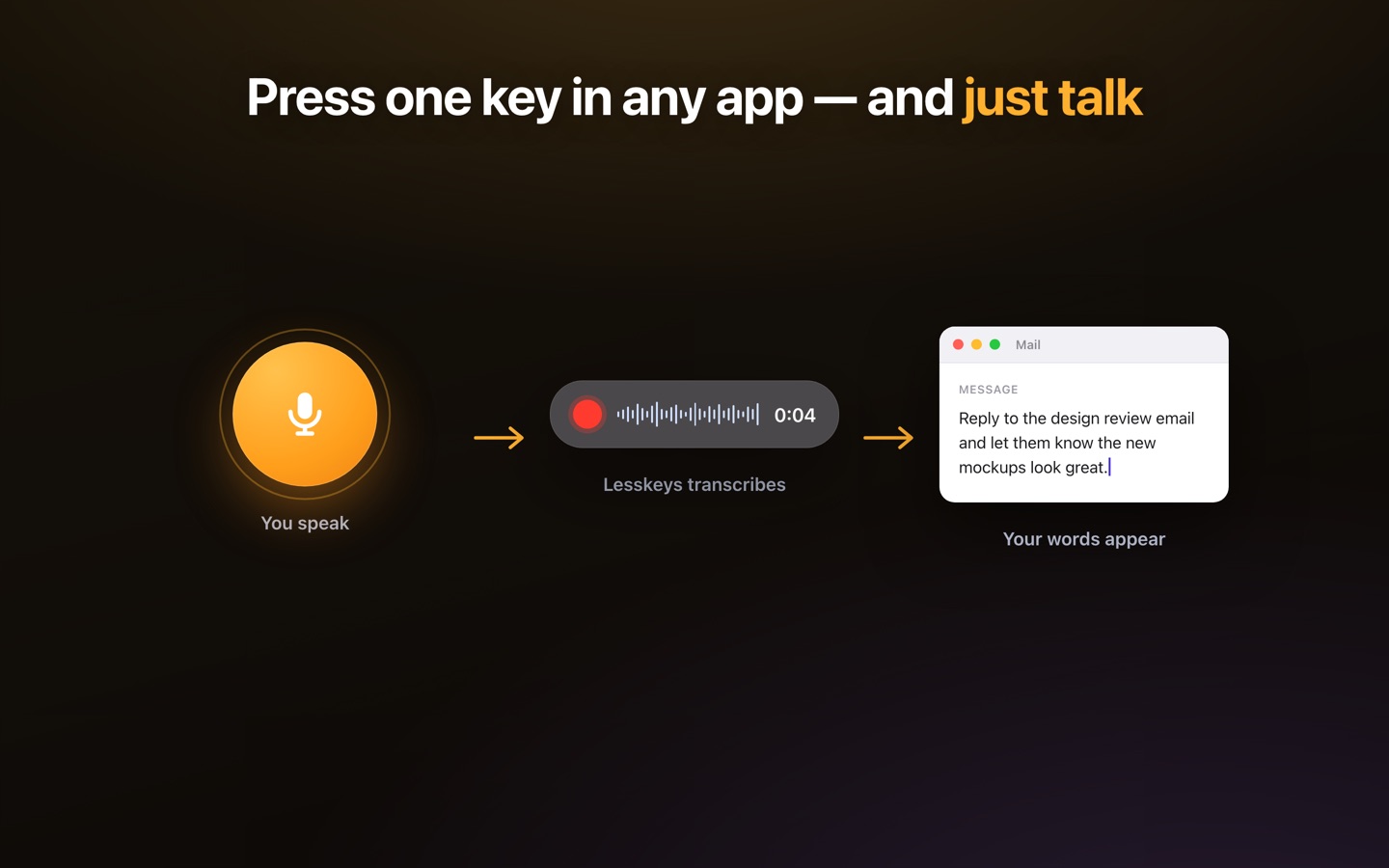
How dictating a SOAP note works
Press the global hotkey (default ⌥ Space) in any app, and speak the note the way you already structure it — Subjective, Objective, Assessment, Plan, each section in your own words. The transcript lands on your clipboard; ⌘V pastes it into the EHR field, the notes app, or the document you're in. There's no template engine to fight: the SOAP structure is yours, the app just turns speech into text, fast.
Why on-device matters for clinical notes
Whatever you dictate — symptoms, findings, assessments — is patient information. With a cloud dictation service, that audio is processed by a third party you then have to account for. On-device recognition removes the vendor from the picture: the audio is transcribed by your Mac's own chip and never transmitted. Lesskeys makes no compliance claim — no app alone can — but it changes the architecture so there's one less processor on your data map. Confirm your specific obligations with your compliance advisor.
SOAP, DAP, BIRP — and every profession that writes them
The same workflow covers therapists writing DAP or BIRP notes, physicians on ward rounds, physical therapists and chiropractors between patients, nurses charting at a shared Mac. Dictation is per-note and format-agnostic; 99 languages are auto-detected, so a bilingual practice doesn't need settings changes. For longer material — a recorded consultation or supervision session — the same app transcribes files with speaker labels, locally.
A between-patients routine
- Open the note field — EHR in the browser, or wherever your notes live.
- Hotkey, speak, done — say the S, O, A, and P in one pass while it's fresh.
- ⌘V and proofread — paste, read it once, sign it. You review every note before it enters a record.
Pay once. No subscription. · macOS 13+
FAQ
Can I dictate SOAP notes directly into my EHR?
Yes — dictate with the global hotkey and the text is placed on your clipboard; press ⌘V to paste it into any EHR field, web or desktop. No integration is needed.
Is this HIPAA compliant?
Lesskeys makes no compliance claims — no app alone can make a practice compliant. Architecturally, dictation audio is processed only on your Mac and never uploaded, so no transcription vendor handles patient information. Confirm your obligations with your compliance advisor.
Does it know medical vocabulary?
It's a general-purpose recognizer built on modern Whisper-class models, which handle clinical language well in practice — but it is not a certified medical-vocabulary product. Proofread before the note enters a record.
Does it work offline?
Yes. After the one-time model download, dictation runs fully offline — nothing about a patient ever touches a network service.