Home › Dictate in Word on Mac
How-to
Dictate in Word without the cloud
Word for Mac has a built-in Dictate button — but it's a Microsoft 365 cloud feature: your voice is processed on Microsoft's servers and it needs an internet connection. Here's the local way: a system-wide dictation hotkey that works in Word, and in everything else.
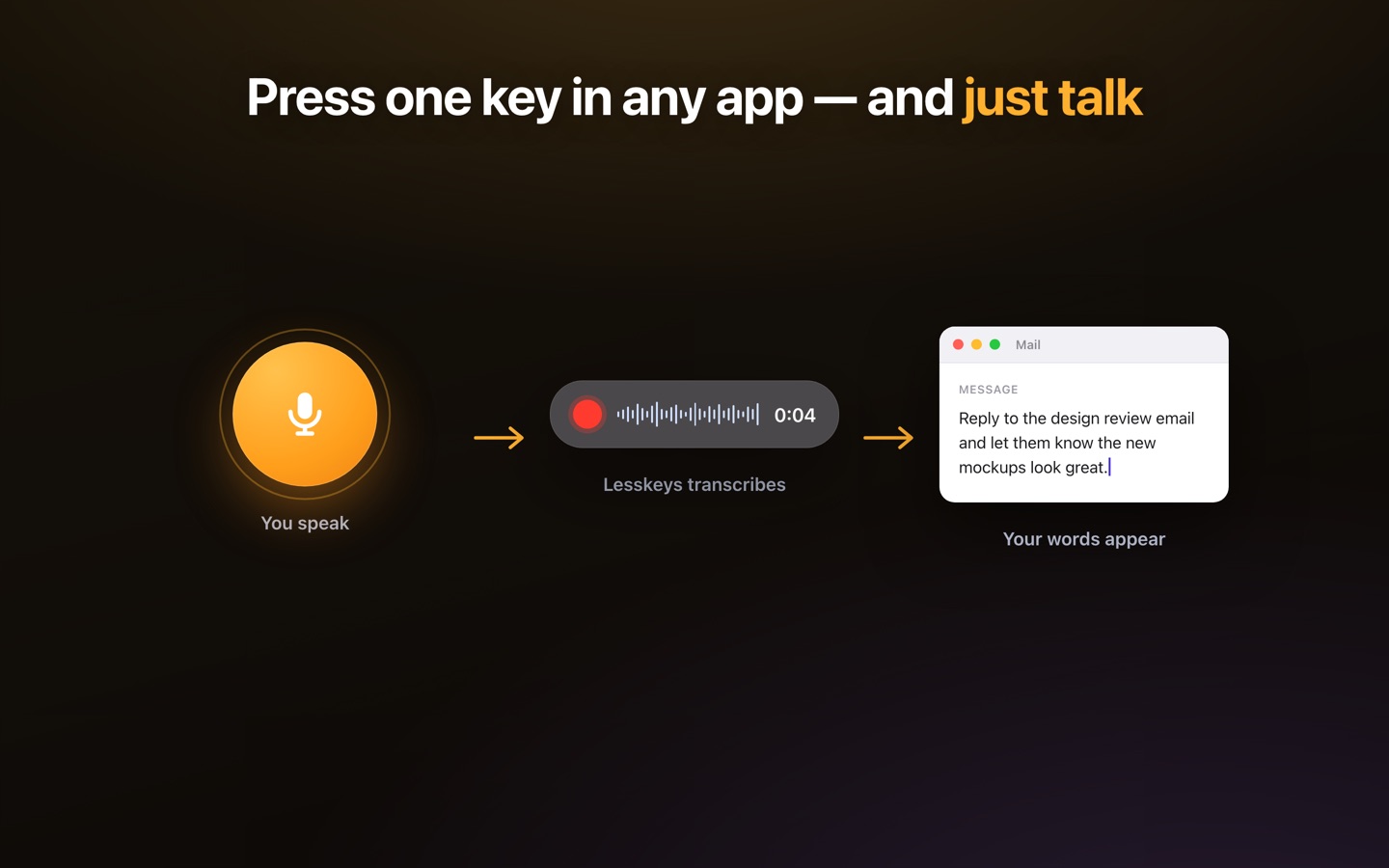
How to dictate into Word on a Mac, locally
With Lesskeys running, put the cursor where the text should go, press the global hotkey (default ⌥ Space), and talk — a sentence or several paragraphs. When you stop, the transcript is on your clipboard: press ⌘V and it lands in Word. The recognition happens on your Mac's own chip, so it works in airplane mode and nothing you say is transmitted anywhere.
Word's Dictate vs. local dictation
Microsoft's Dictate is convenient if you live in Word: it types as you speak. The trade-offs are structural — it's tied to a Microsoft 365 subscription, it requires a connection, and the audio is processed in Microsoft's cloud. Local dictation flips each of those: one-time purchase, fully offline, voice never leaves the machine — and it isn't confined to Word. The same hotkey works in Pages, Google Docs in the browser, Outlook, Scrivener, your email, a commit message. One dictation tool for the whole Mac.
Built for real drafting
Dictate in 99 auto-detected languages; add text replacements for the phrases you type constantly; and when a document starts from a recorded conversation instead of your voice, the same app transcribes the file locally with speaker labels — paste the transcript into Word and write from there.
Three steps
- Click into Word — put the cursor where the text belongs.
- Hotkey and speak — ⌥ Space, say the paragraph, stop.
- ⌘V — the text pastes at the cursor. Keep talking section by section.
Pay once. No subscription. · macOS 13+
FAQ
Can I dictate in Microsoft Word on a Mac without an internet connection?
Yes — with on-device dictation. Lesskeys recognizes speech locally on Apple Silicon; you dictate with a hotkey and paste into Word with ⌘V, fully offline.
How is this different from Word's built-in Dictate?
Word's Dictate is a Microsoft 365 cloud feature: it needs a subscription and a connection, and audio is processed on Microsoft's servers. Lesskeys is a one-time purchase that processes speech on your Mac — and works in every app, not just Word.
Does it type directly into Word as I speak?
The Mac App Store edition places the finished transcript on your clipboard — you paste with ⌘V. It's one extra keystroke, and it means the app needs no accessibility permissions.
Does it work in Pages, Google Docs, and other apps?
Yes — dictation is system-wide. Any place you can paste text, you can dictate: Pages, Docs in the browser, Outlook, notes apps, code editors.