Home › Audio to text on Mac
Feature guide
Audio to text, without the upload step
Every popular audio-to-text converter is a website: you upload the file, their servers transcribe it, you download the result. Lesskeys removes the middle: drop the file into a Mac app, and it becomes accurate, speaker-labeled text right on your machine.
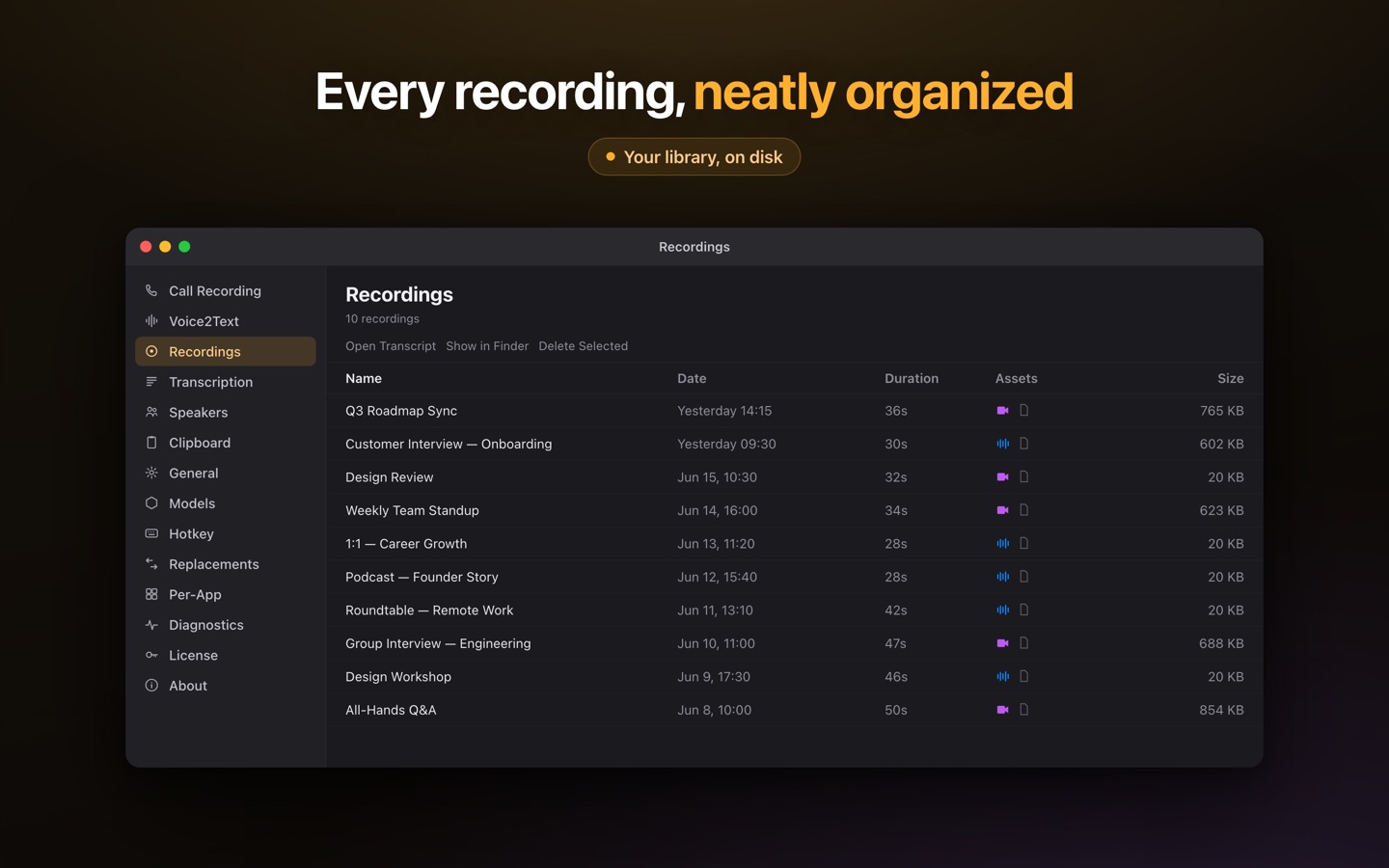
How to convert audio to text on a Mac
Open Lesskeys, drop in the file — common audio and video formats work (MP3, M4A, WAV, MP4, MOV…) — and it's transcribed on your Mac's own chip using Whisper-class speech models on Apple Silicon. No account, no upload queue, no waiting on someone's servers. A one-hour interview typically takes minutes, and the transcript lands next to the recording in a local, searchable library.
Why local beats a converter website
Three practical differences. Privacy: the file never leaves your Mac — there's nothing to upload, so there's no vendor holding your audio (here's how to check what other tools really do). Cost shape: web converters meter you — per minute, per file, or per month; Lesskeys is a one-time purchase, so a 200-file archive costs the same as one memo. No caps: no daily file limits and no length tiers — batch a backlog overnight if you like.
Not just words — who said them
Multi-speaker recordings get automatic speaker labels, computed locally: an interview comes back as a dialogue, not a wall of text. Assign real names once and they persist across recordings. 99 languages with auto-detect, a transcript-synced player for checking any line against the audio, and exports to TXT — or SRT/VTT subtitles if the source was video.
Three steps
- Drop the file in — audio or video, straight into the Recordings tab.
- Let it transcribe locally — speaker labels included; nothing is sent anywhere.
- Search, read, export — search across every transcript, jump to any moment, export text when you need it.
Pay once. No subscription. · macOS 13+
FAQ
How do I convert audio to text on a Mac without uploading it?
Use an on-device transcription app. Lesskeys transcribes audio and video files locally on Apple Silicon — the file never leaves your Mac and no account is needed.
What file formats work?
Common audio and video formats — MP3, M4A, WAV, MP4, MOV and more. If macOS can play it, Lesskeys can usually transcribe it.
Is there a limit on file length or file count?
No daily caps and no per-minute pricing. Transcription is unlimited because it runs on your own machine — there is no server capacity to ration.
How accurate is it?
Lesskeys runs Whisper-class open speech models — the same technology family behind most modern transcription services — with 99-language auto-detect. Accuracy is comparable to cloud converters; the difference is where the work happens.